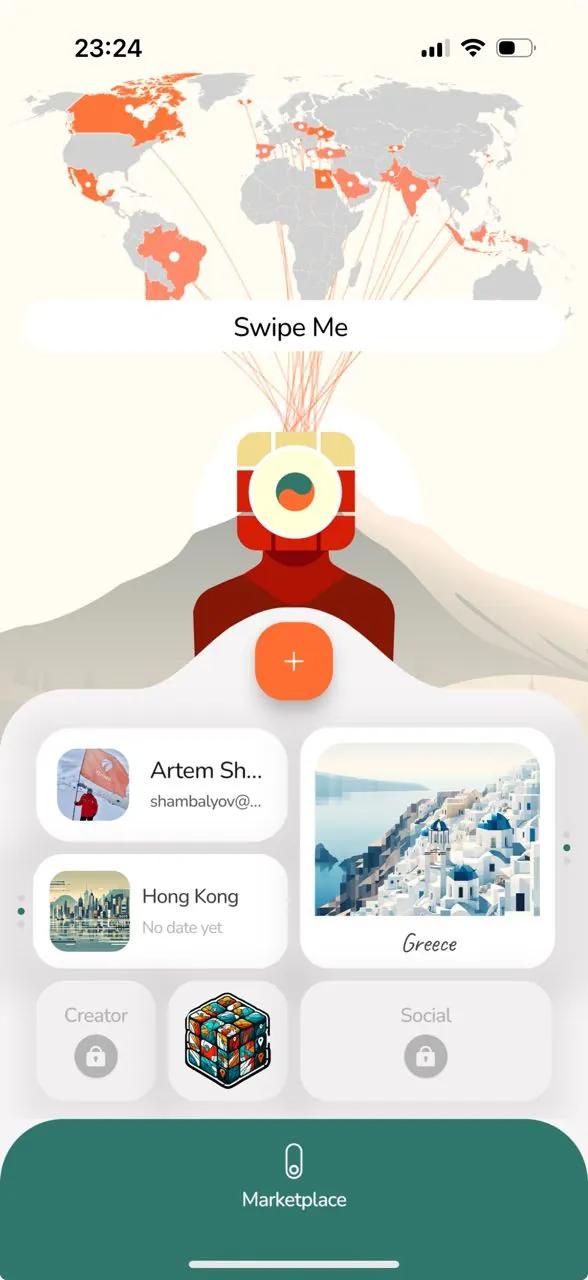
To change the layer of your personal Scratch map you need to have both your Plans and Memories unlocked.
- Add some countries to your Plans and Memories widgets.
- Then, just swipe Me's head (cube) in any direction.
Also, when your Plans and Memories widgets are unlocked, you can click Me and it will tell you a hint "Swipe Me".